

Opens a local MCP bridge to any server over direct SSH. Claude Code, Cursor, Windsurf and friends work on the machine itself — no cloud round-trip, no daemon to install, and the command path never leaves your laptop.
Most tools in this space want to manage SSH credentials for you. This one uses the setup you
already have — your keys, your agent, your ~/.ssh/config,
your known_hosts —
and picks a key only at connect time.
Never stores your SSH keys
Never generates keys
Never deploys keys to hosts
Never syncs keys anywhere
Never asks for a passphrase
Never creates an mcp-agent user
mcp-tailnet is a small
Rust binary speaking MCP over stdio. Every call is proxied over one SSH connection that stays
open, and every call is checked before it runs.
Allowed paths, allowed commands derived from the server's stack and tags, a global
forbidden list (rm -rf /,
mkfs,
shutdown), a path-traversal block, and
an approval gate for writes. An agent that decides to ignore its instructions still hits
the wall.
The bridge appends every call to a local audit.jsonl
at mode 0600, tagged with which agent made it. Signed in, the manager batches unsynced
entries to HostAtlas, where they appear in the same
audit timeline
as everything the platform did itself.
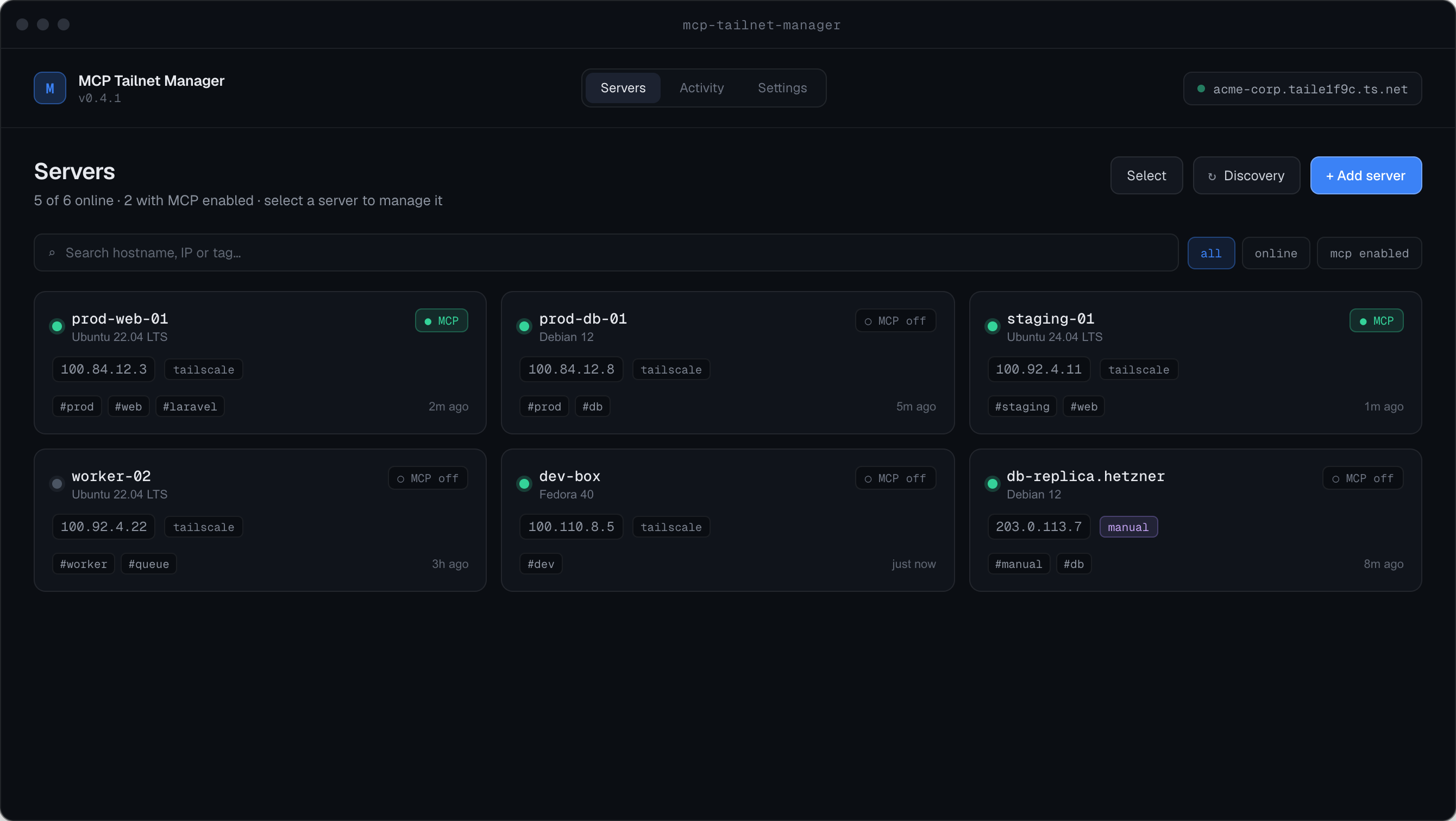
Host or IP, port, SSH user. On save it connects and reads back the real hostname, OS and primary IP. Unreachable? Add it anyway and fix it later.
Picked up from tailscale status if you
run it. Optional — the app does not care if Tailscale is not installed.
Pulls the servers you already have, keeping each one's platform UUID. Manual entries win on conflict, and synced servers stay visible offline.
Signed in, the same sync pulls your MCP policy down and writes changes back, so the platform's policy engine governs this local bridge and the hosted gateway alike. Offline it keeps running from its cached state — a network blip never interrupts an agent mid-session.
Open MCP on a server and the manager hands you a config block for the client you use. No
ssh-keygen, no service
account, nothing to install on the far end.
Doing it for a whole fleet? Select the servers and open them in one go, with a progress view that tells you which ones refused and why.
Direct SSH from your machine. Nothing installed on the server, nothing routed through us, and it works on hosts HostAtlas has never seen. Good when the agent needs to actually edit files and run commands on a box.
Reads your fleet through the platform — metrics, incidents, logs, domains — without SSH at all. Good when the agent needs to understand what is happening rather than change what is on disk.
They are not alternatives so much as different reach. Plenty of people run both.
Free for personal and commercial use. The app checks for updates itself.
Direct SSH, your own keys, a wall in front of every call, and a log of all of it.